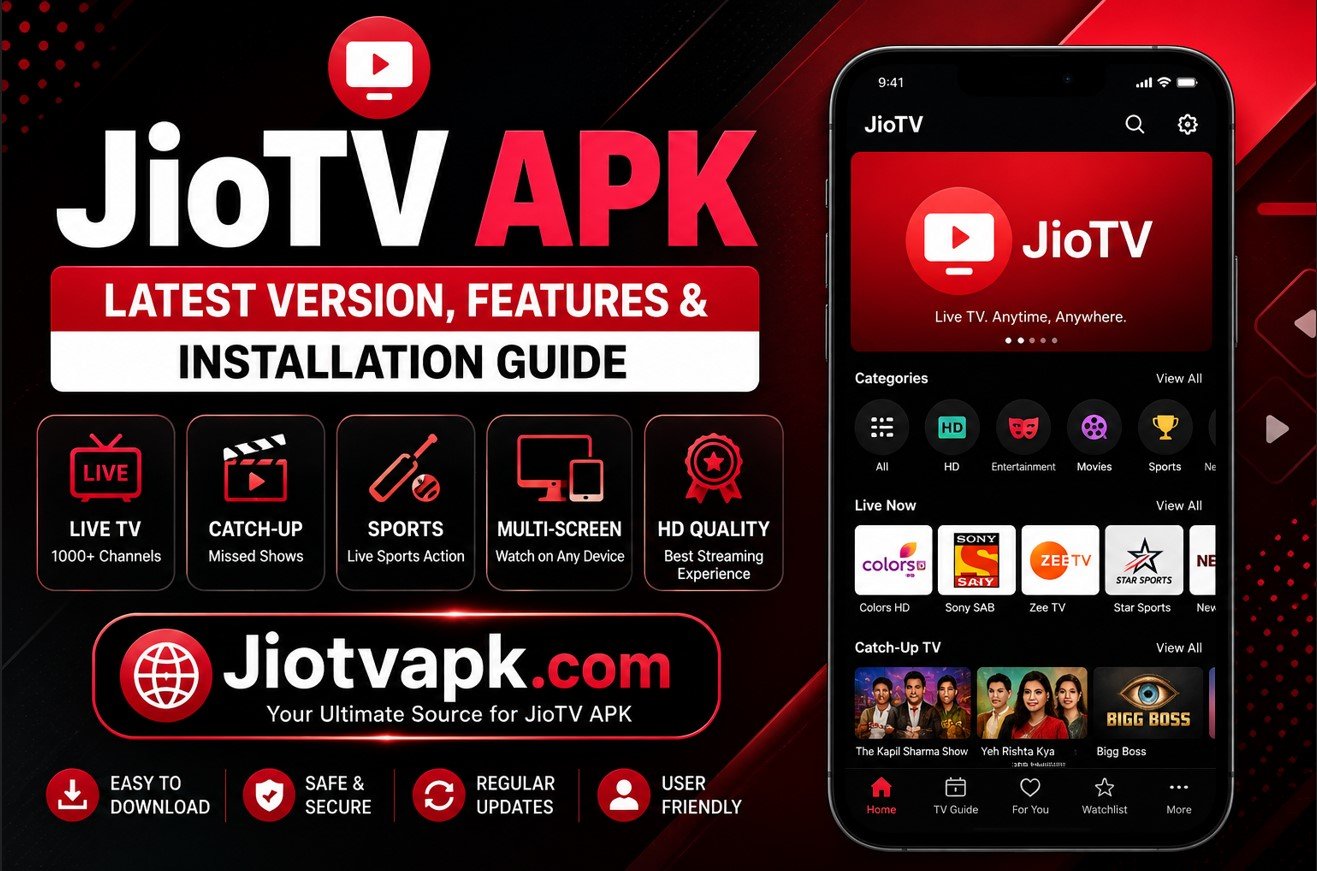
JioTV APK – Latest Version, Features & Installation Guide
India is experiencing a massive digital revolution, and Reliance Jio sits right at the center of it. If you have a Jio SIM card, you already hold a VIP ticket to unlimited entertainment. At the heart of this ecosystem is the JioTV app, a powerhouse of live television that has completely transformed how Indians consume daily content.
However, getting the app isn’t always straightforward if you want to use it outside of a standard Android smartphone. Whether you want to watch the T20 World Cup on your big-screen Smart TV, sideload the app onto an Amazon Firestick, or simply revert to an older version of the app because the latest update is lagging on your phone, you need the JioTV APK.
An APK (Android Package Kit) file gives you total control over how and where you install your applications. This comprehensive guide will walk you through everything you need to know about downloading, installing, and optimizing the JioTV application for all your compatible devices.
By the end of this guide, you will know exactly how to turn your mobile phone, smart TV, or streaming stick into a portable cable box—completely free of charge.
What is the JioTV APK?
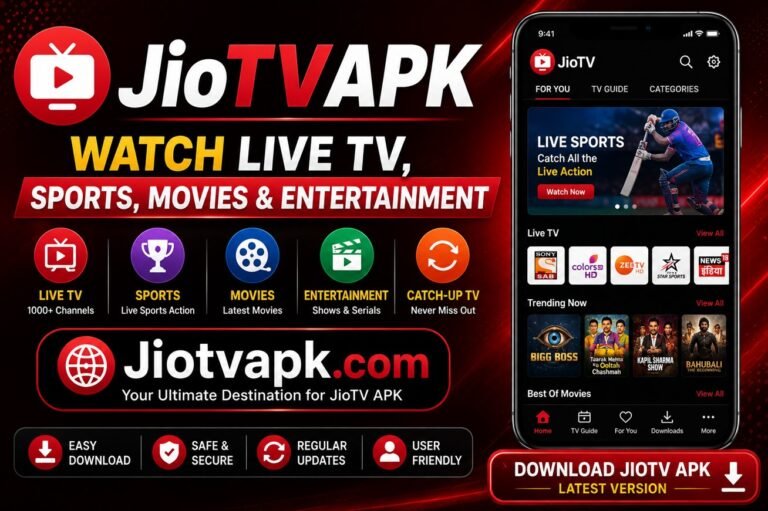
The JioTV APK is the raw installation file for Reliance Jio’s flagship live television application. Designed exclusively for Jio network subscribers, this platform acts as a digital set-top box.
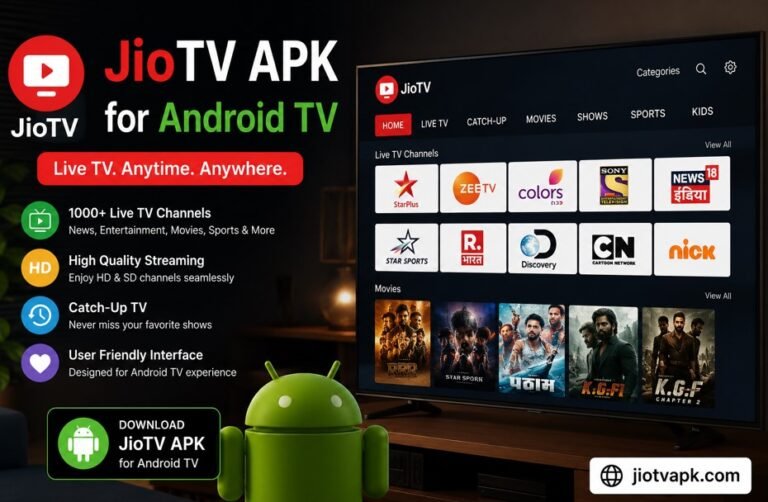
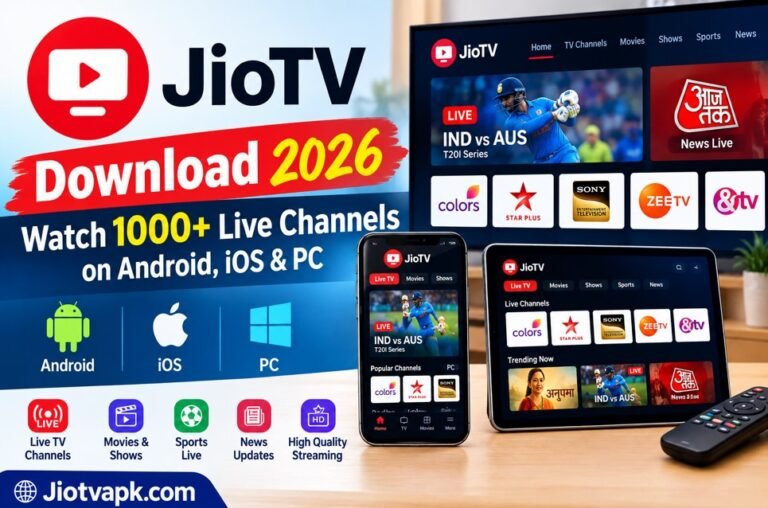
Currently, JioTV provides access to over 1,000 live TV channels, including more than 300 HD channels across 15+ regional languages. It covers every major genre you can imagine: sports, daily soaps, news, movies, kids’ cartoons, infotainment, and devotional content.
Instead of paying a monthly DTH (Direct-to-Home) cable bill, Jio mobile and JioFiber users get complimentary access to this massive library. Major broadcast networks like Sony, Colors, Sun TV, and Zee are fully integrated into the platform, ensuring you never miss your favorite television moments.
The APK version is exactly the same as the app you find on the Google Play Store. The only difference is the delivery method. Downloading the APK file manually allows you to install the app on devices that might not officially support the Play Store version, such as certain Android TVs or custom Android operating systems.
Why Download the APK File Instead of Using the Play Store?
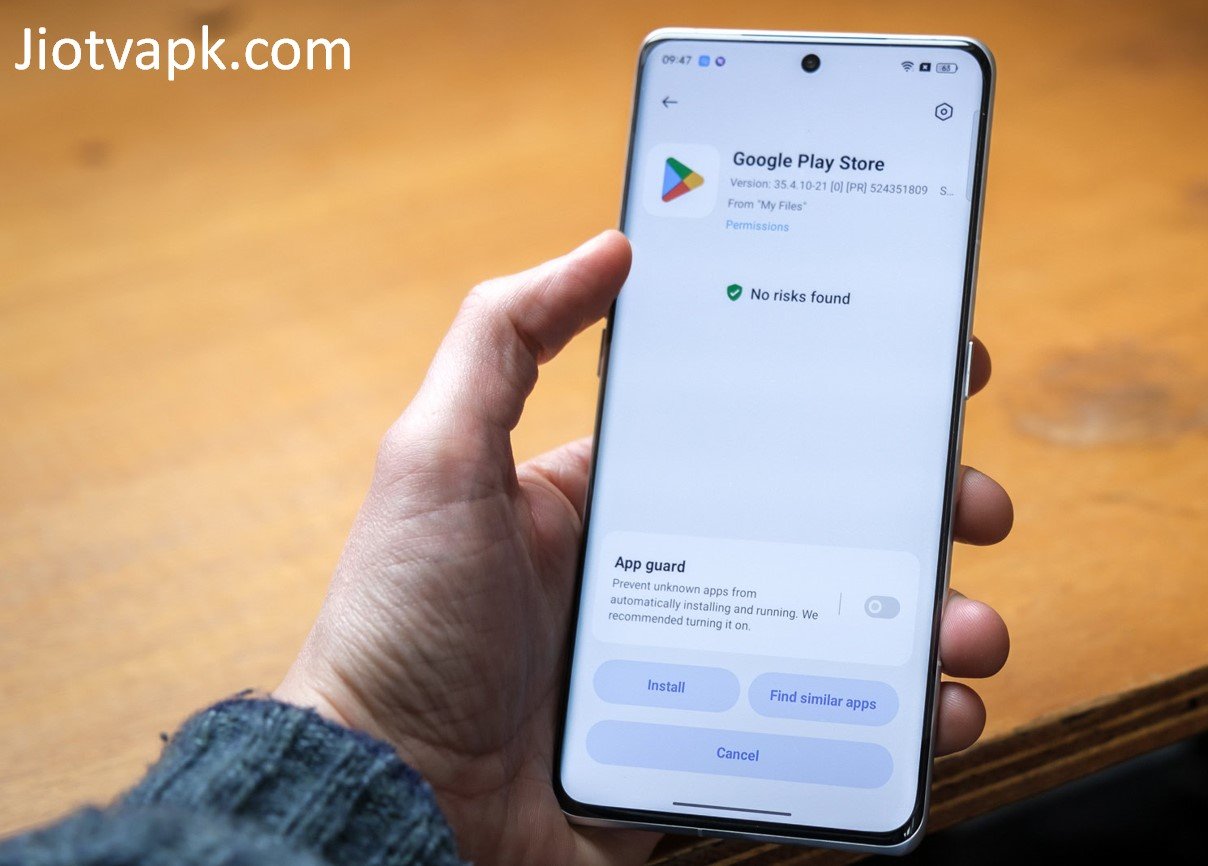
You might wonder why you should go through the trouble of downloading an APK file when the app is readily available on the Google Play Store. Here are the top reasons why tech-savvy users prefer the APK route:
- Smart TV and Firestick Compatibility: The official Google Play Store on Android TVs often restricts mobile-first apps. By downloading the APK, you can bypass these restrictions and sideload JioTV directly onto your living room television.
- Access to Older Versions: Sometimes, developers release updates that contain bugs or remove beloved features. If the newest version of JioTV crashes on your older smartphone, downloading a previous APK version solves the problem instantly.
- Bypassing Geo-Restrictions: If you are an Indian traveling abroad with an active Jio SIM roaming pack, you might find the app blocked in foreign Play Stores. Sideloading the APK allows you to keep watching your favorite Indian shows overseas (a VPN may also be required).
- No Google Account Needed: If you are using a secondary device or a custom Android ROM (like LineageOS) without Google Mobile Services installed, the Play Store won’t work. The APK file is the only way to get the app running.
Unbeatable Features of the Latest JioTV App
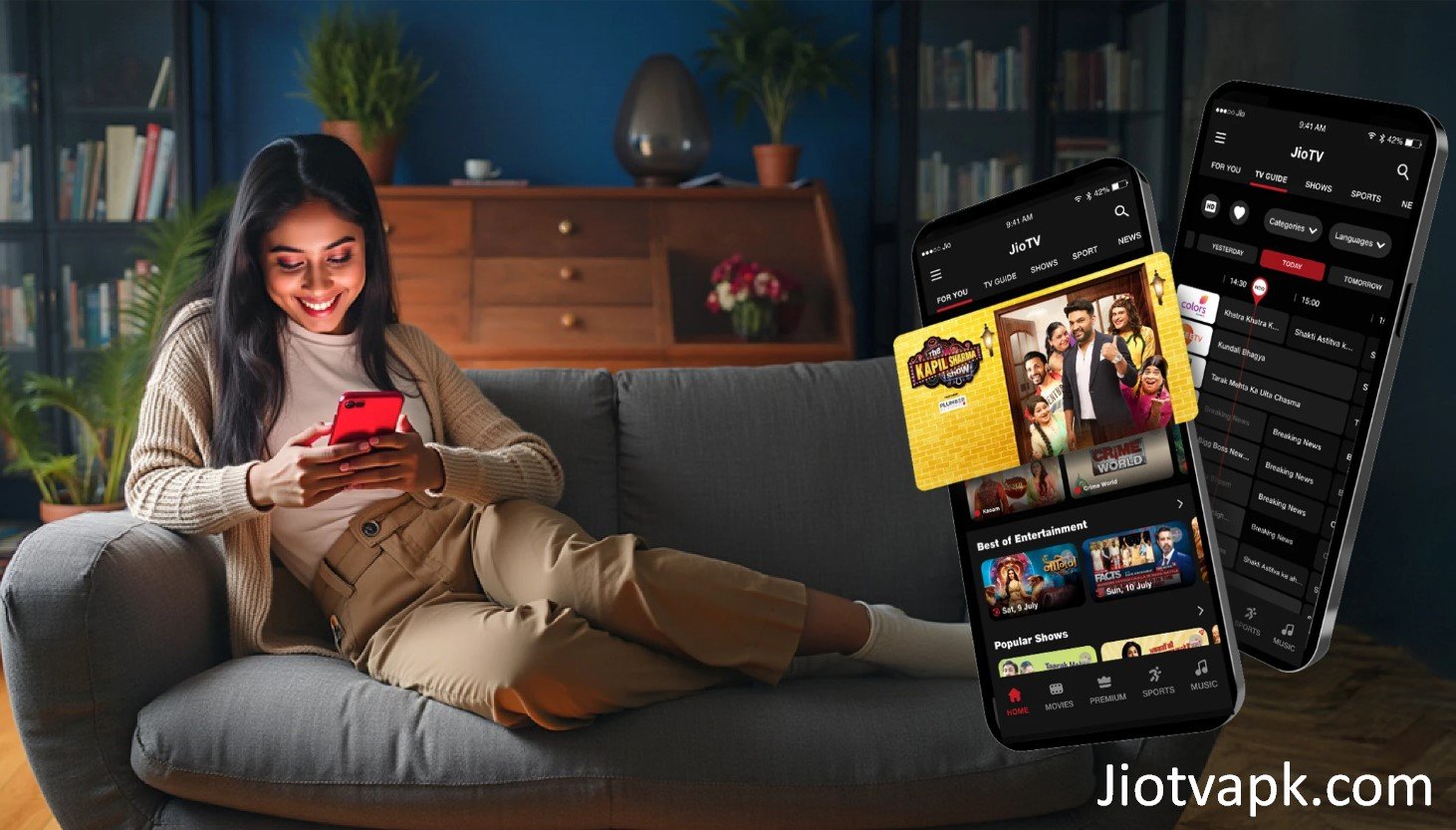
Reliance Jio continuously updates its television app to keep it ahead of the competition. If you haven’t used the app recently, here is what you are missing out on:
7-Day Catch-Up TV
Did you miss last night’s episode of Bigg Boss or a crucial cricket match? You no longer have to wait for a rerun. JioTV automatically records and stores the broadcast of almost every major channel for the past seven days. You can browse the schedule backward and play content exactly as it aired.
Picture-in-Picture (PiP) Mode
Multitasking is a breeze with the PiP feature. You can minimize the live TV screen into a small, floating window. This allows you to chat on WhatsApp, scroll through Instagram, or read emails while keeping an eye on the live cricket score in the corner of your screen.
Multi-Lingual Regional Support
India is a land of diverse languages, and JioTV reflects this beautifully. You can filter channels by languages, including Hindi, English, Tamil, Telugu, Kannada, Malayalam, Bengali, Gujarati, Punjabi, Odia, Assamese, and Urdu. The app interface itself can also be changed to suit your regional preference.
Pause and Rewind Live TV
Life happens. If the doorbell rings during the climax of a movie, simply hit the pause button. Unlike traditional cable TV, JioTV allows you to pause a live broadcast and resume exactly where you left off. You can also rewind live TV by a few minutes to rewatch a spectacular sports highlight.
Smart Search and Voice Discovery
Typing out long show names can be annoying. The integrated voice search feature allows you to speak the name of a show, movie, or actor, and the app will instantly pull up the relevant live channel or catch-up episode.
Zero-Data Streaming (For Specific Jio Plans)
While streaming consumes data, Jio often bundles unlimited 5G data with its modern prepaid and postpaid plans. This means you can stream 1080p HD television channels all day without worrying about exhausting your daily internet limit.
System Requirements for Seamless Streaming
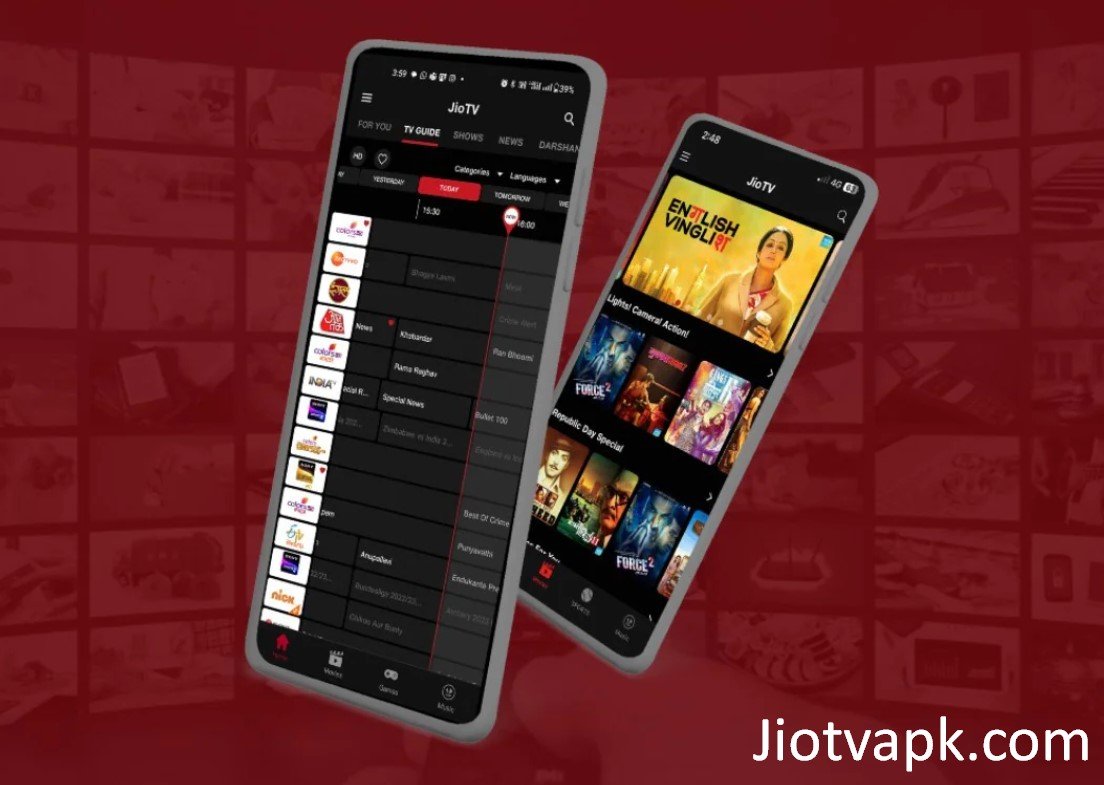
Before you download the file, ensure your device can handle the application smoothly. Fortunately, JioTV is highly optimized and runs perfectly on budget devices.
- Operating System: Android 6.0 (Marshmallow) or higher. (Android 9.0+ recommended for PiP mode).
- RAM: Minimum 2 GB of RAM (4 GB recommended for smooth HD streaming).
- Storage Space: At least 100 MB of free internal storage for the installation, plus extra space for app cache.
- Network: A working Reliance Jio SIM card or JioFiber connection. The app verifies your network during login.
- Internet Speed: Minimum 2 Mbps for standard definition (SD). At least 5 Mbps for high definition (HD) live streaming.
Step-by-Step Guide: How to Install JioTV APK on Android Mobile
Installing an APK file on your Android smartphone is a straightforward process. If you have never done it before, follow these simple steps to get started.
Step 1: Enable “Unknown Sources”
Android phones block third-party installations by default for security reasons.
- Go to your phone’s Settings.
- Navigate to Security & Privacy (or Apps & Notifications).
- Tap on Install Unknown Apps.
- Select your web browser (like Google Chrome) and toggle the switch to Allow from this source.
Step 2: Download the APK File
Open your mobile browser and download the latest version of the JioTV APK from a trusted third-party repository like APKMirror or Uptodown. Never download files from shady websites filled with pop-up ads.
Step 3: Locate the File
Once the download finishes, open your phone’s File Manager or Downloads folder. Tap on the file named JioTV_Latest.apk.
Step 4: Install the Application
A prompt will appear asking if you want to install the application. Tap Install and wait a few seconds for the process to complete.
Step 5: Login and Watch
Open the newly installed app. You will be prompted to enter your active Jio Mobile Number. The app will send an OTP (One-Time Password) to verify your identity. Enter the OTP, and you are ready to start streaming live television.
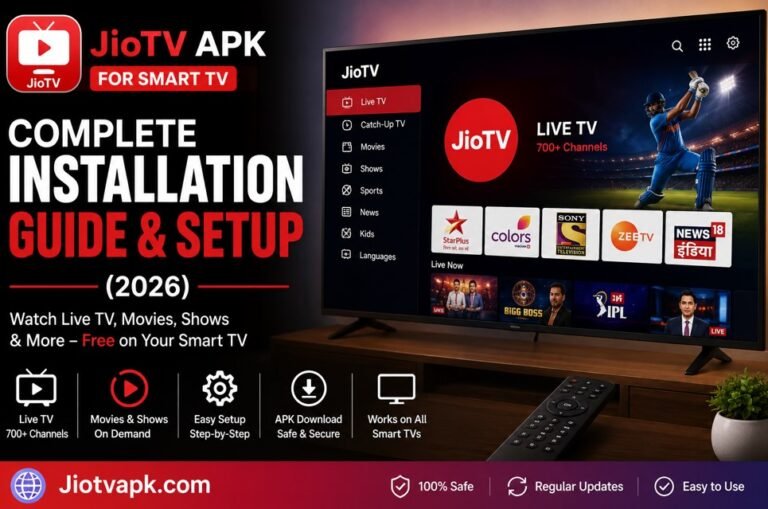
How to Install JioTV APK on Smart TV and Amazon Firestick
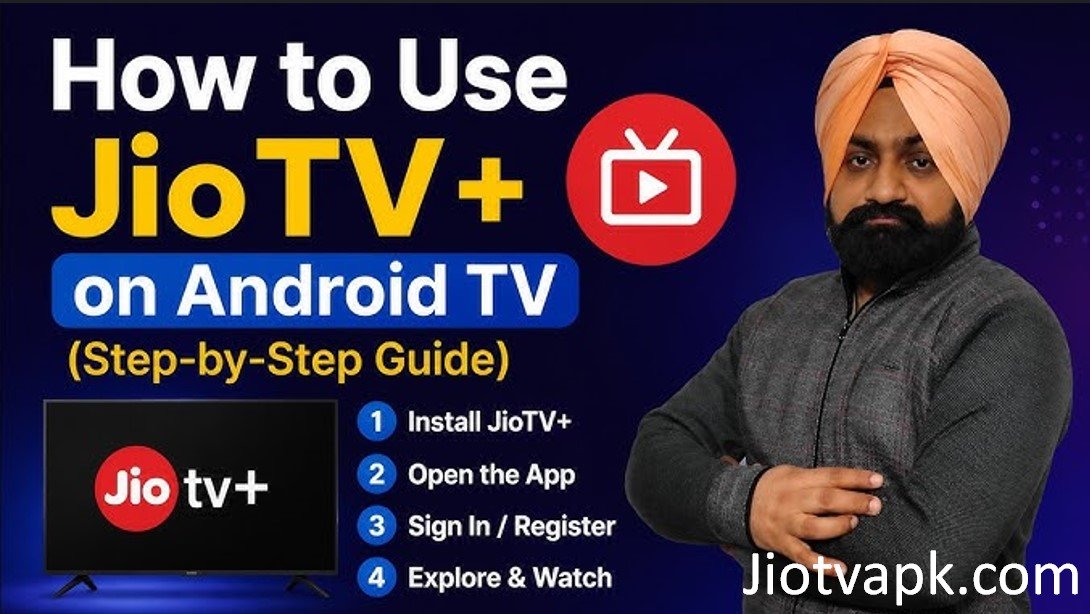
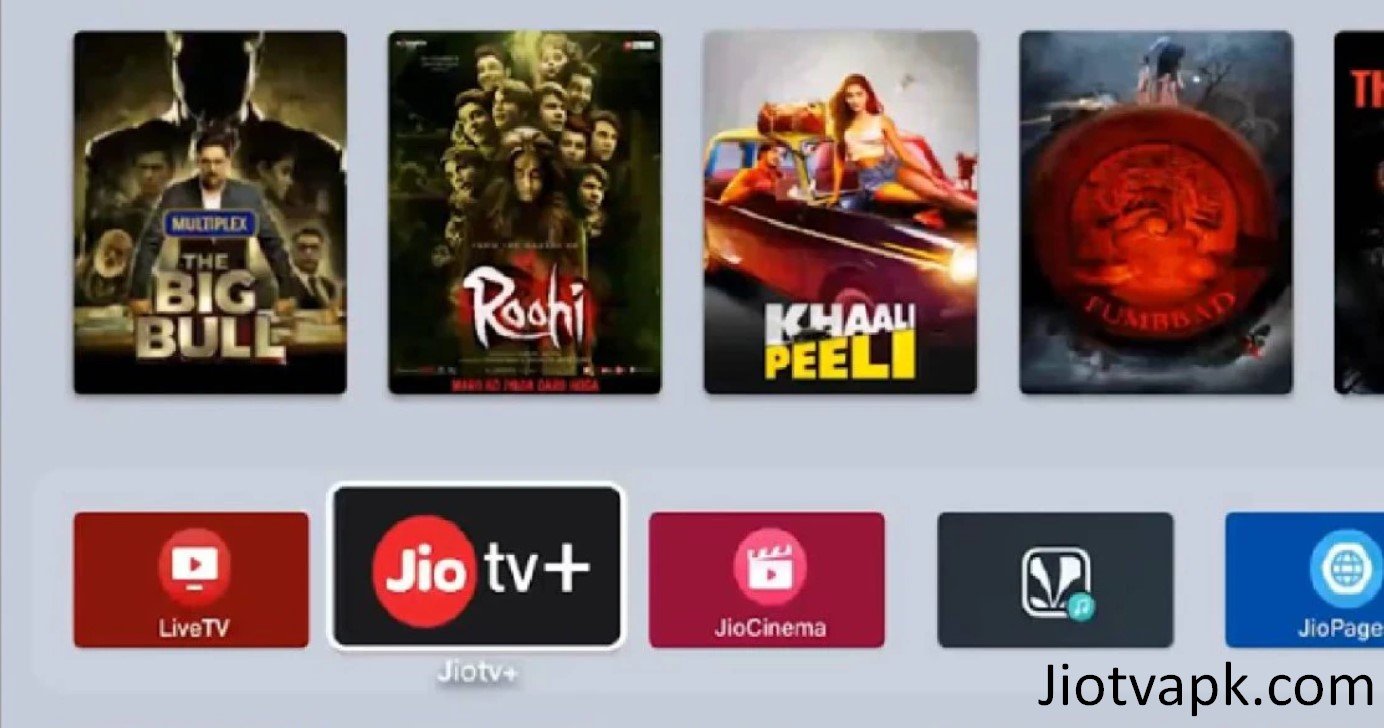
Watching live TV on a 6-inch mobile screen is great, but experiencing it on a 55-inch Smart TV is phenomenal. Because the mobile version of JioTV isn’t naturally available on the Android TV Play Store or the Amazon App Store, you have to use a technique called sideloading.
For Android Smart TVs & Android TV Boxes
- Install ‘Send Files to TV’: Download the app Send Files to TV on both your Android smartphone and your Smart TV (available on both Play Stores).
- Download the APK on Mobile: Download the JioTV APK onto your smartphone.
- Transfer the File: Open Send Files to TV on both devices. On your phone, select “Send” and choose the APK file. On your TV, select “Receive.”
- Install a File Manager: On your Smart TV, download a file manager app like FX File Explorer.
- Install the APK: Open the file manager on your TV, locate the transferred APK in the “Downloads” folder, and click it to install.
- Use a Mouse Toggle: Important Note: Since the JioTV mobile app is designed for touchscreens, it may not respond well to a standard TV remote. You will need to install a “Mouse Toggle” app or connect a physical wireless mouse via USB to navigate the app menus on your TV.
For Amazon Fire TV Stick
- Get the Downloader App: Turn on your Firestick. Go to the search bar and type Downloader. Install the app with the orange icon.
- Enable Developer Options: Go to Firestick Settings > My Fire TV > Developer Options.
- Allow Unknown Apps: Turn on Install Unknown Apps for the Downloader application. (If you don’t see Developer Options, go to About, click on your Fire TV Stick’s name 7 times to unlock it).
- Enter the URL: Open the Downloader app. In the URL bar, type the direct download link for a trusted JioTV APK source and hit Go.
- Install: The file will download. Once finished, a prompt will automatically ask you to install it. Click Install.
- Login: Open the app and log in using your Jio credentials.
JioTV vs. Alternatives: Which is Better?
The Indian streaming market is highly competitive. How does JioTV stack up against telecom rivals and dedicated OTT (Over-The-Top) platforms? Let’s look at the data.
| Feature | JioTV | Airtel Xstream | Tata Play Binge | Disney+ Hotstar |
| Price | Free (Requires Jio SIM) | Free (Requires Airtel SIM) | Paid Subscription | Paid Subscription |
| Live TV Channels | 1000+ Channels | 350+ Channels | Select Live Channels | News & Sports Only |
| Catch-Up TV | Yes (7 Days) | Yes (7 Days) | Yes (Depends on plan) | No |
| Sports Coverage | Excellent (Sports18, Sony) | Good | Good | Excellent (Star Sports) |
| Smart TV App | Requires Sideloading | Official App Available | Official App Available | Official App Available |
| Network Restriction | Jio Network Only | Airtel Network Only | Any Network | Any Network |
The Verdict
If you are looking for pure, traditional live television replacement, JioTV is the undisputed king. It offers nearly triple the number of live channels compared to Airtel Xstream. However, if your primary goal is a smooth, remote-friendly Smart TV experience without the hassle of sideloading, Tata Play Binge or Airtel Xstream provide better native television applications.
Pros and Cons of Using JioTV
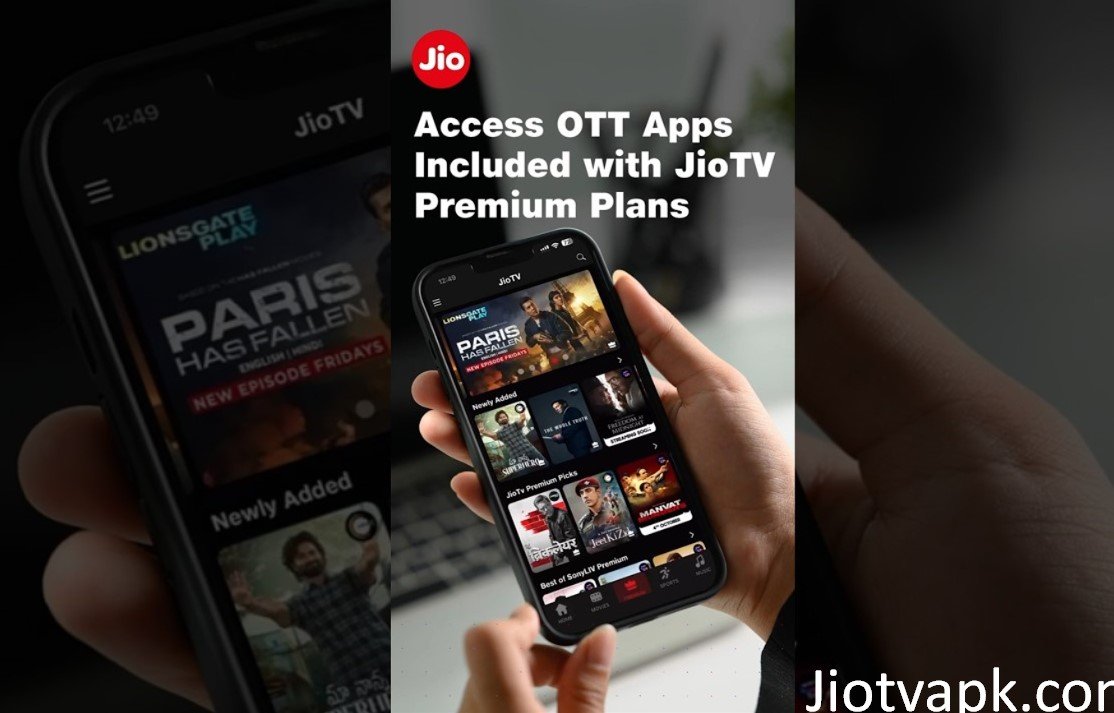
To provide a fair and balanced review, here are the real-world advantages and disadvantages of using this platform.
The Pros:
- Absolutely Free: No hidden subscription fees or monthly DTH bills.
- Massive Library: Access to over 1000 channels covers every possible viewing niche.
- Sports Hub: Excellent coverage of live cricket, football, and WWE through the integration of Sony Sports and Sports18 networks.
- User-Friendly: The UI is clean, categorized well, and features an excellent dark mode.
- Low Data Mode: Great for users with limited daily data caps.
The Cons:
- Network Locked: You cannot log in or use the app if you are on a competitor’s network (like Vi or Airtel) unless you are using JioFiber Wi-Fi.
- No Native TV App: Reliance Jio limits this app strictly to mobile and tablet devices, making TV installation a hassle for average users.
- Ads on Launch: The app frequently shows unskippable full-screen banner ads when you first open it.
- Battery Drain: Prolonged HD streaming can drain smartphone batteries very quickly.
Troubleshooting Common JioTV Errors
Even the best applications have bad days. If your APK installation isn’t running smoothly, here are the fixes for the most common errors.
Error: “JioTV Network Error / Not on Jio Network”
This is the most common issue. The app checks your IP address to confirm you are using Reliance Jio internet.
The Fix: Turn off your Wi-Fi and switch to your Jio mobile data. If you are using a dual-SIM phone, ensure the Jio SIM is set as the primary data SIM. If you must use Wi-Fi, ensure the broadband connection is JioFiber.
Error: “App Not Installed”
This happens right at the APK installation stage.
The Fix: Your phone likely doesn’t have enough storage space. Delete old videos or cache. Alternatively, you might be trying to install an older APK over a newer existing version. Uninstall any existing JioTV app from your phone, restart the device, and try the APK installation again.
Error: App Crashes on Smart TV
Because the app is designed for mobile portrait orientation, it can get confused on a landscape TV screen.
The Fix: Download a “Screen Rotation Control” app on your Smart TV. Force the orientation to ‘Landscape.’ This will stop the app from crashing when it tries to load mobile portrait menus.
Error: Black Screen During Live Sports
Sometimes, the audio plays, but the screen is completely black during high-traffic cricket matches.
The Fix: This is a DRM (Digital Rights Management) issue or a server overload. Go to your phone’s Settings > Apps > JioTV > Storage > Clear Cache. If that fails, lower the video quality from HD to Medium in the app’s player settings.
Is Downloading the JioTV APK Safe and Legal?
When dealing with third-party file installations, E-E-A-T (Experience, Expertise, Authoritativeness, and Trustworthiness) principles demand that we address security seriously.
Is it Legal?
Yes, downloading the JioTV APK is entirely legal. The application itself is a free service provided by Reliance Jio to its customers. You are not bypassing paywalls or pirating premium content; you are simply changing the delivery method of a free app you are entitled to use as a subscriber.
Is it Safe?
It is safe only if you download the file from a reputable source. Websites like APKMirror, APKPure, and Uptodown use automated signature verification. They match the cryptographic signature of the uploaded APK against the official Google Play Store version to ensure the file has not been tampered with or injected with malware.
Red Flags to Avoid:
Never download an APK from YouTube description links, random Telegram groups, or websites promising “Modded JioTV Premium Ad-Free.” These modified files often contain spyware, trojans, or cryptocurrency miners that will compromise your device and steal your personal data. Stick to trusted web repositories.
Frequently Asked Questions (FAQs)
1. Can I use JioTV without a Jio SIM?
No. You must have an active Reliance Jio mobile number or a JioFiber broadband connection. The app requires an OTP from a Jio number to log in and actively checks if your internet connection belongs to the Jio network infrastructure.
2. Is JioTV completely free?
Yes. The app is completely free to download and use. However, you need to have an active prepaid or postpaid plan on your Jio SIM card to maintain access.
3. Does the JioTV APK work on an iPhone or iPad?
No. APK files are strictly for the Android operating system. Apple iOS users cannot sideload APK files. If you have an iPhone, you must download the official JioTV app directly from the Apple App Store.
4. Why is JioTV not working on my Android TV?
Jio designed the app exclusively for touch devices (phones and tablets). While you can sideload it onto a TV, the interface may stretch, and your standard TV remote will not be able to click on channels. You must use a wireless mouse or a mouse toggle app to navigate it successfully.
5. Can I cast JioTV from my phone to my TV?
Reliance Jio officially disabled the Chromecast and screen-mirroring features within the JioTV app to prevent piracy and unauthorized large-screen viewing. If you try to screen-cast, you will only hear the audio while the video screen remains black.
6. What is the difference between JioTV and JioCinema?
JioTV is strictly for streaming Live Television channels and 7-day catch-up broadcasts. JioCinema is a Video-on-Demand (VOD) platform designed for movies, web series, and exclusive live sports rights (like the IPL or Olympics).
7. How do I update my sideloaded APK?
Because you installed the app outside the Play Store, it will not auto-update. When a new version is released, you will need to manually download the new APK file and install it over the old one. Your login details will remain saved.
8. How much data does JioTV consume in an hour?
Streaming in High Definition (HD) will consume roughly 800 MB to 1 GB of data per hour. Streaming in Standard Definition (Medium quality) uses about 300 MB to 400 MB per hour. You can adjust the quality manually in the video player settings to save data.
9. Can I use JioTV outside India?
Officially, the content is geo-restricted to Indian territory due to broadcasting rights. However, Indian users traveling abroad can access the app by using a reliable premium VPN connected to an Indian server, provided they still log in with a valid Jio number.
10. Do I need to root my phone to install the APK?
Absolutely not. You do not need root access to install any APK file. You only need to enable the “Install Unknown Apps” permission in your standard Android settings.
Conclusion
The JioTV APK is an incredibly powerful tool for anyone looking to carry a full-fledged cable television network in their pocket. By sideloading the application, you take full control of your entertainment experience, allowing you to bypass restrictive app stores and bring thousands of live channels to older phones, custom Android builds, and even your living room Smart TV.
While the installation process on a Firestick or Android TV requires a few extra steps and a mouse toggle for navigation, the reward of free, high-definition television makes the effort entirely worthwhile.
Remember, safety always comes first. Ensure you are downloading your APK files from highly reputable, secure repositories to protect your digital privacy. Now that you have the knowledge and the step-by-step instructions, it’s time to grab your device, install the app, and start enjoying endless, uninterrupted Indian entertainment today. Happy streaming!